

Canva Craft Prompt Guide: Turn a Brief into a Clear Composition
A useful Canva Craft prompt describes a finished composition: what belongs in the image, what should stand out, where the text goes, and how the scene should feel. Start with those decisions before adding extra stylistic detail.
This guide turns a simple workshop brief into an image prompt, then shows how to adapt the same method for a product concept and a presentation visual. Keep your brief beside the Canva Craft image generator so you can check the result against a specific target.
Give the composition a job
Canva describes Craft as using a planning stage before image rendering, with attention to spatial relationships and lettering. That makes layout a useful part of the brief, alongside the subject. See Canva's Craft announcement for the published model description.
For a workshop poster, the job might be: “Someone scrolling past should notice the workshop name, understand the theme, and know when it starts.” That is a better starting point than a pile of adjectives such as stunning, premium, intricate, cinematic.
Write down four decisions:
| Part of the brief | Decision to make | Workshop example |
|---|---|---|
| Subject | What does the viewer need to recognize? | A potted plant and a pair of gardening gloves |
| Hierarchy | What should be noticed first? | The workshop title, then the plant illustration |
| Lettering | Which words must appear, and where? | A large title above a short date line |
| Visual treatment | What style and contrast support the message? | Dark green ink, cream paper, one terracotta accent |
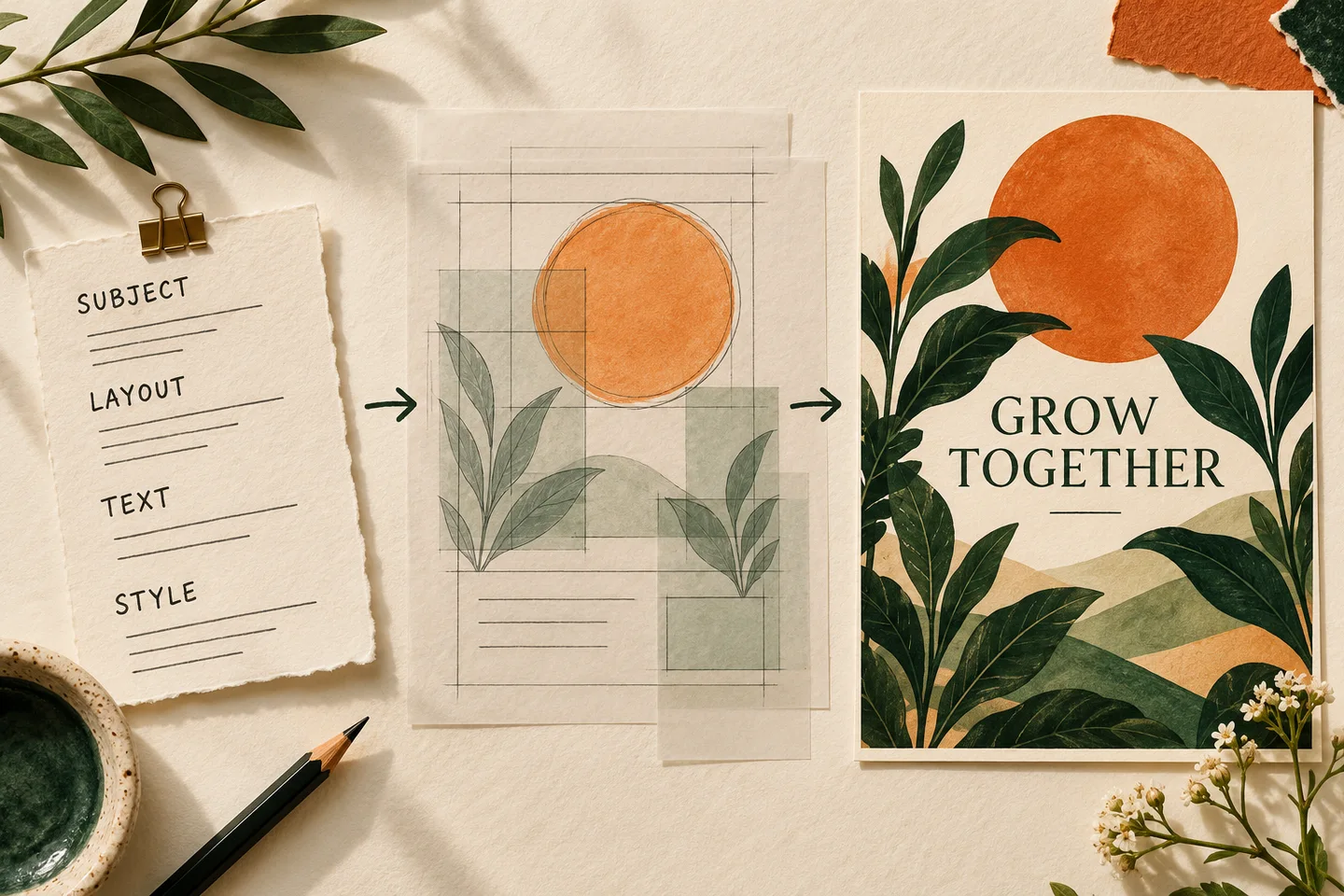
Concept illustration generated for this guide; it explains the briefing process and is not a Craft output test or an application screenshot.
Use a prompt with visible relationships
Describe the deliverable first, then connect the objects and text to their positions. A practical order is purpose → subject → layout → exact wording → style. This is a writing aid, not a required command format.
For the workshop example:
Design a portrait poster for a beginner gardening workshop. Show one terracotta pot with a young leafy plant in the lower half, with a pair of gardening gloves beside it. Put the headline "GROW TOGETHER" in large dark green letters in the upper third. Below it, place the smaller line "SATURDAY 10 AM". Leave clear margins around both lines. Use a warm cream background, restrained botanical illustration, and one terracotta accent. Keep the text areas calm and uncluttered. Show only the two quoted text lines.
The prompt tells the model what to draw and how its pieces relate. The pot sits in the lower half because the upper third has a different job. The palette supports the plant theme without competing with the headline.
Choose the portrait format in the generation controls as well. Writing “portrait” in the description is useful composition guidance, but the actual output shape comes from the selected settings. The aspect ratio and resolution guide explains how to match both.
Adapt the brief to the deliverable
The strongest detail depends on the task. A product concept needs clear shape and material; a presentation visual needs room for copy; a poster needs readable hierarchy.
Product campaign concept
Create a landscape campaign concept featuring one unbranded amber glass bottle on pale stone. Position the bottle on the right third with its complete silhouette visible. Leave the left third as a quiet cream area for a headline that will be added later. Use soft side lighting, a short natural shadow, and a muted olive background. Make the glass and stone feel tactile. Keep the bottle free of labels and text.
This prompt asks for a visual concept rather than a faithful photograph of a specific product. If your final campaign must reproduce exact packaging, review the image against approved product assets before using it. A plausible bottle is not automatically the right bottle.
Presentation opening image
Create a wide editorial illustration for a presentation about urban gardening. Place a rooftop garden with three large planters on the right side. Show a simple city skyline behind it. Reserve the left third as open pale sky for a slide title added separately. Use geometric shapes, warm morning light, dark green foliage, and a restrained orange accent. Do not include lettering.
The empty space has a purpose. It gives a presentation editor somewhere to place a real title without covering the scene. Specify an intended text area even when you are not generating the lettering itself.
Review the result in a fixed order
Check the structure before polishing the surface. If the pot blocks the title, a more elaborate paper texture will not solve the poster's main problem.
- Message: Can you identify the intended subject and purpose immediately?
- Hierarchy: Does the intended focal point dominate?
- Placement: Are objects, margins, and copy areas where the brief asks for them?
- Text: Are all words, numbers, and punctuation correct?
- Detail: Do materials, edges, hands, and small objects hold up at full size?
For each failed check, write one concrete change. “Move the plant below the headline and keep the entire upper third clear” gives you something to evaluate. “Make it more professional” does not.
Keep the original prompt and settings when comparing revisions. Changing the scene, style, wording, and shape together makes it harder to tell which adjustment helped. Treat instructions about preserving details as requests to inspect, not a guarantee of identical results.
Know when to simplify
If the design feels crowded, remove an object or a text line before adding more instructions. A short brief with a clear priority is easier to inspect than a dense brief that gives every detail equal importance.
When lettering is the only problem, keep the scene direction and use the poster text troubleshooting guide. It covers shortening copy, reserving space, and finishing critical text as editable type.
For a first attempt, prepare one deliverable, one main subject, one focal point, and one short headline. Open the generator, choose a matching format, check the displayed settings and cost, then compare the result with those four decisions.
Product source checked October 23, 2026. Prompt examples and review methods are editorial guidance, not measured success-rate claims.