Canva Craft Journal
Canva Craft Newsletter Illustrations: Build a Consistent Series
Use a reusable Canva Craft prompt to make a newsletter illustration series. Fix the palette and texture, vary the story, and review the images together.
Create an image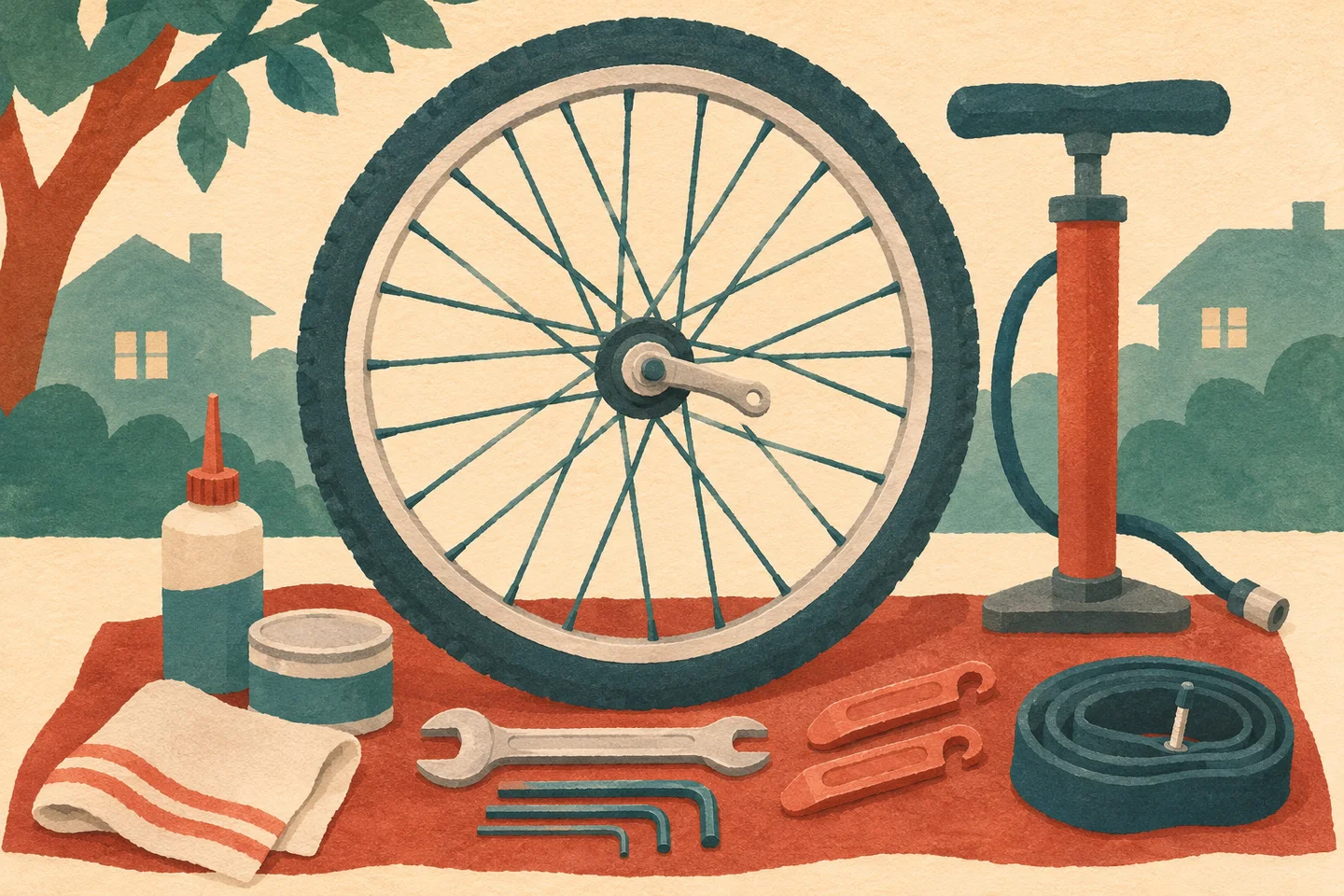
A newsletter series needs illustrations that feel related even when each story has a different subject. In Canva Craft, start with one approved illustration, write down its visual rules, and reuse those words while changing the scene. Review the results together at the size readers will see them.
Use the CanvaCraft image generator to explore a first image. Canva’s Craft documentation describes a model that plans the layout before rendering. A recurring style still needs human review because separate generations can vary in color, texture, and detail.
Approve one illustration and record what makes it work
Imagine a neighborhood cycling newsletter with issues on basic repairs, commuting, and gear. For the first issue, use a bicycle wheel and a few tools as the main shapes. If the wheel disappears in a small preview, simplify the scene before using it as the visual reference.
Editorial illustration of the repair issue.
Record what you can describe and check: warm cream paper, muted teal and rust, bold cut-paper silhouettes, light grain, and one clear focal point. Add a rule for the layout. For this series, the headline stays in the email template and the artwork contains no lettering. Keep the approved image and its prompt together so another editor can see how the words translate into visual choices.
Keep the style block and replace the scene
Use a fixed block for the visual rules and one sentence for the subject. Here is a brief for the commuting issue:
Wide editorial illustration in cut-paper gouache. Use warm cream paper, muted teal and rust, bold flat silhouettes, and fine paper grain. Keep one clear focal point and omit lettering. Show a rider in a rust coat walking a teal bicycle past small café windows.
For the gear issue, switch the final sentence to “Show a teal bicycle helmet resting on a simple wooden bench.” Keep the medium, color roles, and level of detail fixed. The subject can move within the frame if that makes the composition clearer. See the Canva Craft prompt guide for more ways to describe focal points and layout.
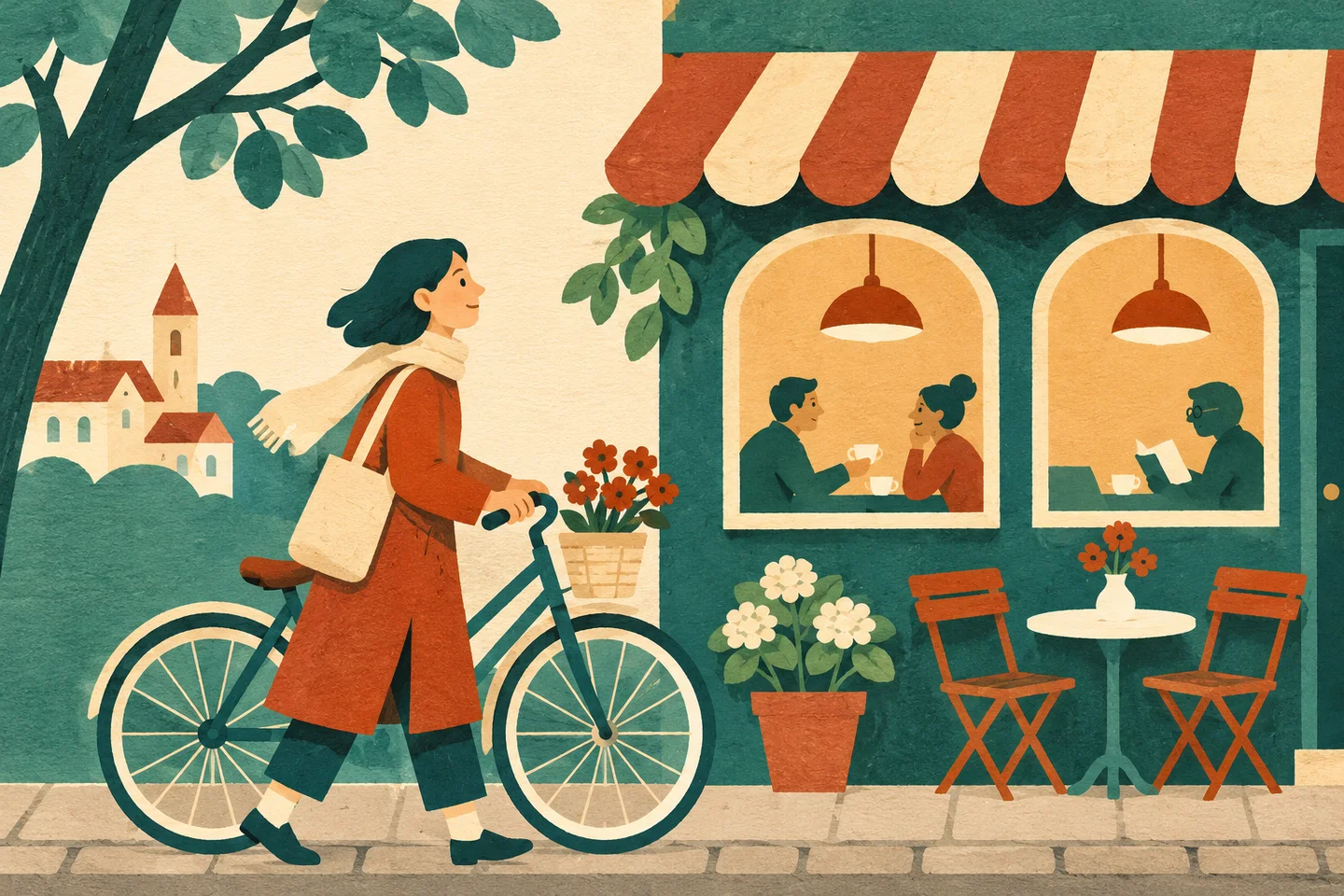
Editorial illustration of the commuting issue.
If a result comes back with a glossy finish, revise the texture description while keeping the scene. Changing the scene, colors, and medium in a single revision makes it harder to tell what corrected the mismatch. Where a design system requires exact color values, check them in the final file or apply them in the editor.
Compare all three at the final display size
Place the illustrations side by side and shrink them to the newsletter's actual image width. Look for the issue that draws attention for the wrong reason. It might use a brighter accent, include more background detail, or lose its subject when cropped. Preview each chosen image in the email template on desktop and mobile. The aspect ratio and resolution guide explains how to plan for different crops.
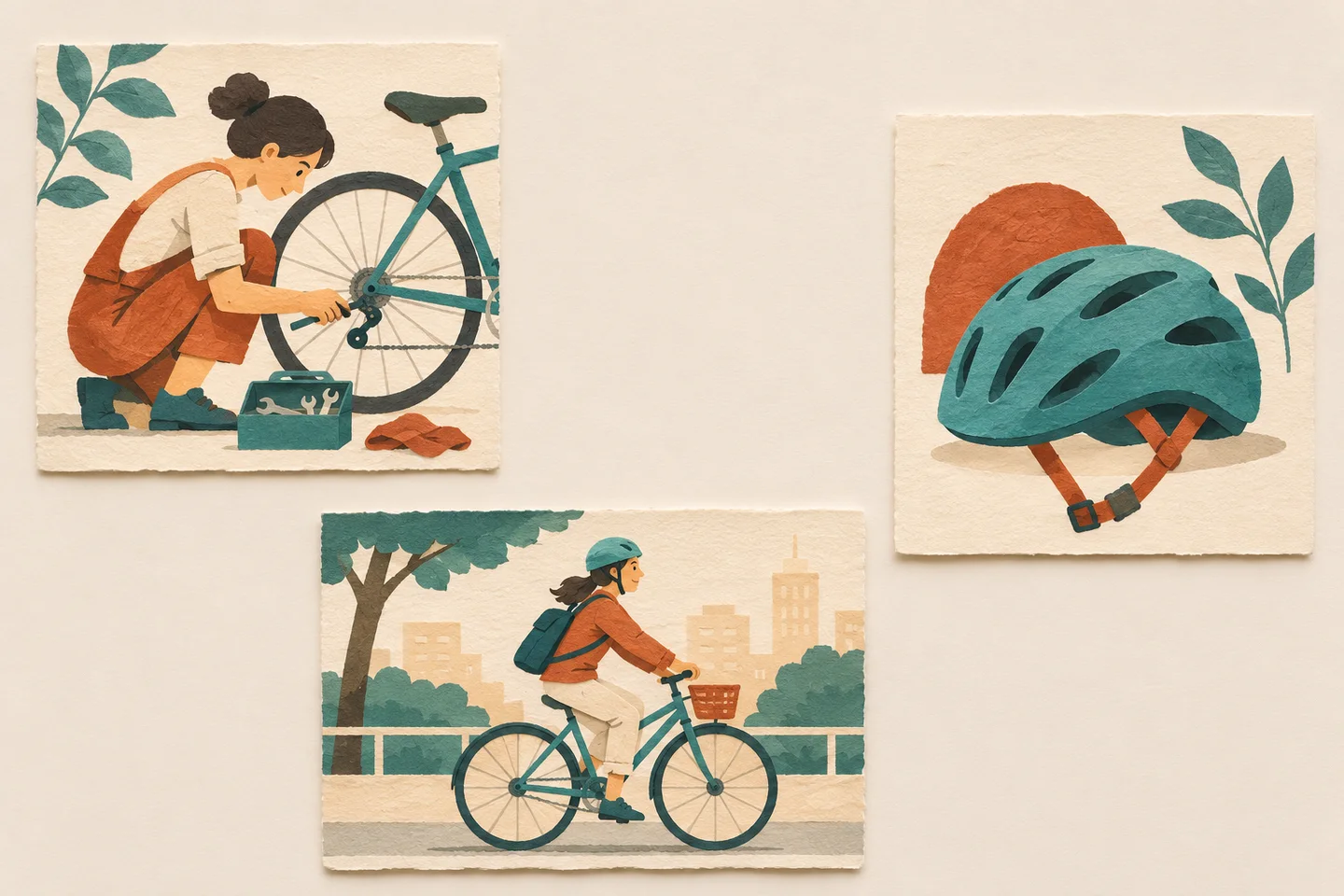
Concept illustration of reviewing the series together.
Archive the style block, the individual scene sentences, and the selected exports. On the next issue, compare the new image with the approved set before updating any style rule. That gives the series room for a new story while keeping the visual decisions easy for the next editor to reproduce.
Put your next idea into practice.
Start with a written brief in the image workspace.