
Canva Craft vs Nano Banana 2.1: Which Fits Your Workflow?
Canva Craft vs Nano Banana 2.1 is most useful as a comparison of starting materials. If you have a written campaign brief and need to organize a complete design, start by evaluating Craft. If your work begins with several reference images and depends on preserving subjects while changing the scene, Nano Banana 2.1 deserves an early trial.
The distinction is a way to choose your first test, not a claim that either model can only do one kind of work. Your decision should follow the required asset: a readable poster, an accurate product visual, or a family of images in several shapes.
You can prepare a composition-led concept in the Canva Craft workspace. This guide compares official product descriptions checked on October 23, 2026, and supplies a practical product-campaign evaluation. It does not present generated samples as a measured model contest.
Quick comparison by the job you need to finish
| Requirement | Canva Craft | Nano Banana 2.1 |
|---|---|---|
| A new design from a written brief | Evaluate the hierarchy, lettering, and spatial relationships | Evaluate how well the same design intent carries into the result |
| A reference-led product task | Verify the input and editing workflow you intend to use | Explicit multi-image input and conversational editing capabilities make it a relevant candidate |
| Small text and exact labels | Proofread and consider editable final type | Proofread and consider editable final type |
| Large output requirement | Published image output reaches 2K; inspect actual file dimensions | Documentation lists 1K, 2K, and 4K output options |
| Several destination shapes | Recompose around the placement rather than only cropping | Recompose around the placement rather than only cropping |
| Cost comparison | Use the selected workflow's credit quote and plan | Separate API output costs, inputs, and optional search-related charges |
Do not pick a winner by counting the number of settings in the table. A larger file or a higher reference limit is useful only when it helps deliver the intended image.
Keep Nano Banana versions separate
This article refers to Nano Banana 2.1, identified in Google's model documentation as gemini-nano-banana-2.1. It is distinct from Nano Banana 2 and Nano Banana Pro. A comparison should not borrow one version's settings or results and label them with another version's name.
Google documents multi-image input, conversational editing, and search grounding for 2.1. Craft's announcement puts particular emphasis on planning the arrangement of a design. Those are reasons to construct different evaluation tasks, not evidence that a particular output will automatically be accurate.
For a practical decision, write down the version, input set, selected size, and whether any search grounding is enabled. Keep that record with the output files. The name shown in an app is not a substitute for knowing which configuration produced the result.
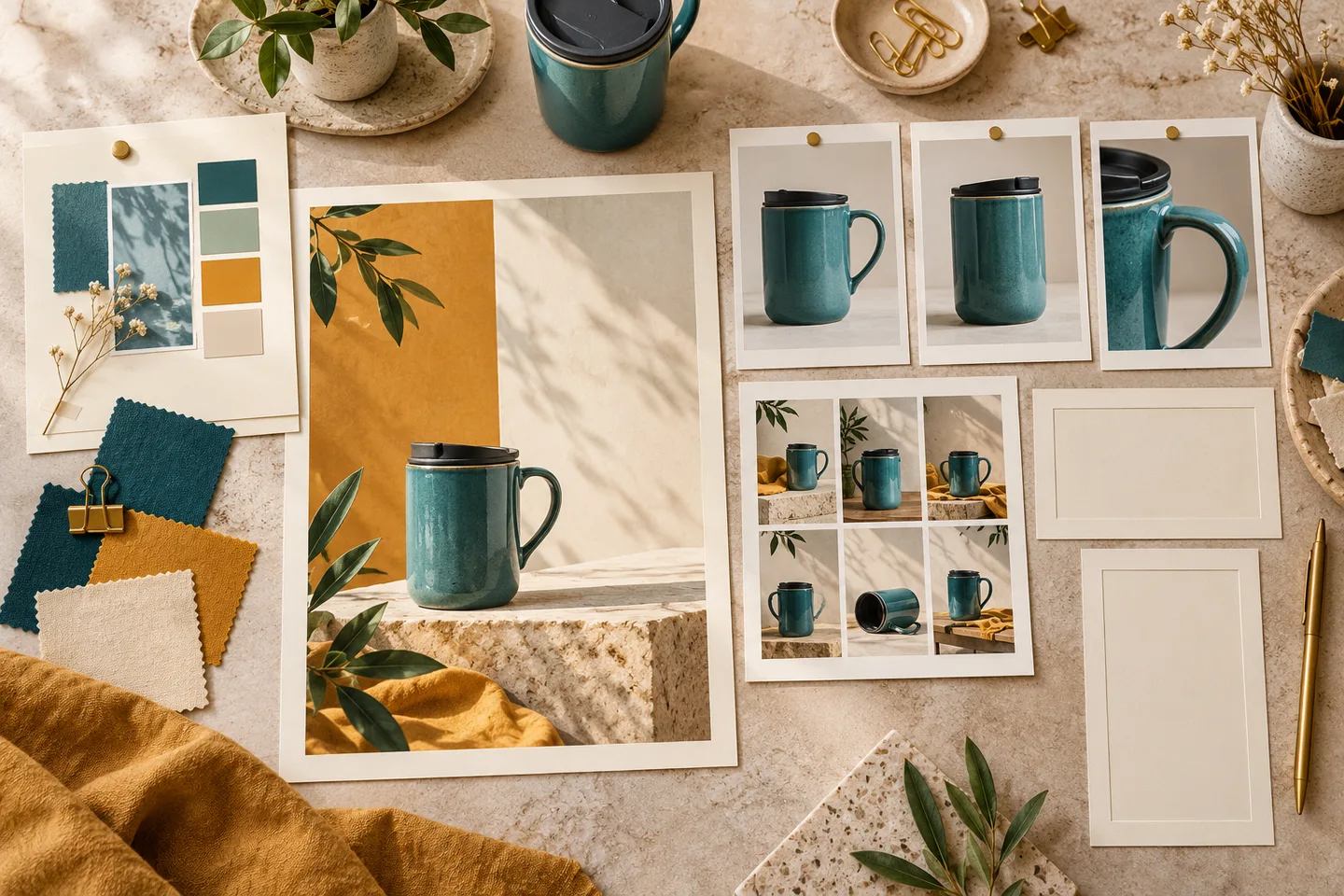
Generated editorial illustration of preparing a brief and reference materials. The fictional mug and prints are not model comparison results or evidence of product fidelity.
Scenario one: you have a campaign brief but no product photograph
Imagine an outdoor brand exploring a new travel-mug campaign. At the concept stage, it needs a teal mug, warm stone, a quiet space for a short message, and an autumn palette. The product does not yet need to reproduce an existing item exactly.
A composition-led brief could be:
Create a portrait campaign concept with one unbranded teal ceramic travel mug on pale stone. Keep the mug in the lower right, with its handle clearly visible. Reserve the upper left as calm cream-colored space for the exact headline "TAKE A MOMENT". Use a small ochre accent, soft daylight, a natural short shadow, and generous margins. Include only the quoted headline.
This is a reasonable Craft starting task because the design has several relationships to resolve together. Check whether the title area remains quiet, the mug is complete, and the color palette supports the intended message.
Try the same content brief with Nano Banana if it is on your shortlist. Compare outputs against the brief rather than assuming that the model with more input features must produce a better poster. The prompt guide explains how to turn those relationships into specific instructions.
A concept mug should remain labeled as a concept during review. If the final advertisement sells an actual product, a plausible generated shape is not enough.
Scenario two: the approved product already exists
Now suppose you have the real mug, and its handle shape, lid, glaze, and proportions matter. Prepare a small reference pack before choosing the generation settings:
- A clean front view showing the complete silhouette.
- A side view that explains the handle and lid.
- A detail image only if an important material or feature is otherwise unclear.
Use consistent product versions and avoid contradictory colors or packaging. Name the role of each reference in your brief. More images do not necessarily produce a clearer instruction if they show different products or conflicting lighting.
For a reference-capable editing workflow, the request might be:
Use the supplied photographs as references for the same teal travel mug. Place the complete mug on pale stone in soft morning light. Preserve the handle shape, lid profile, proportions, and glaze color. Change the setting only. Leave a clear area beside the mug for copy added later. Do not introduce a logo or label.
Nano Banana 2.1 is worth testing here because multi-image handling is explicitly documented. Record which inputs you actually supplied; do not treat the maximum reference allowance as a recommended number for every job.
Inspect the result against the source photos at matched viewing sizes. Pay attention to small changes that could misrepresent the product: a sealed drinking opening, an extra seam, a different handle attachment, or a missing lid detail. Asking to preserve the mug is an instruction, not proof that preservation occurred.
Evaluate Craft's chosen reference workflow against the same requirements if that is part of your intended production route. Where preservation is essential, retain an approved product photograph or compositing process as an option alongside generation.
Resolution is a delivery decision
The documented difference between 2K output and 4K output can matter, but it is not a complete image-quality comparison. A larger file can still contain inaccurate details. A smaller file may be sufficient for the intended placement.
Start with the delivery requirement. Do you need a social graphic, a presentation image, a cropped close-up, or a print file? Inspect actual downloaded width and height and determine whether you will crop away part of the image.
For example, a hypothetical 1600 × 900 image cropped to a centered square leaves 900 × 900 pixels. That is a delivery calculation, not a Craft or Nano Banana output specification. If the handle or headline falls outside the crop, more initial pixels will not solve the composition problem.
For a wide header and a tall social placement, write separate layout instructions. Keep the mug's identity consistent while changing its size and location relative to the copy area. See the aspect ratio and resolution guide for choosing between a crop, a fresh composition, and upscaling.
Text and search grounding need their own checks
A short campaign line and a dense information panel are different tests. For either model, evaluate exact wording, spacing, contrast, and whether the text is still readable at the final display size.
For a real offer, confirm the price and terms independently. Even when a workflow can use web or image search, generated wording should not become your source of truth for product specifications, opening hours, or promotional dates.
Search grounding is relevant when the task benefits from external information. It is not a substitute for approved assets or fact-checking. Record whether it was used so that you do not compare a grounded request against an ungrounded one without saying so.
If the visual already works, finishing the exact copy as editable text can be more direct than repeatedly regenerating the entire image. The poster text guide provides a correction decision table that applies to this stage.
Compare costs at the same output requirement
For Craft, start with the displayed quote and plan terms for the route you will use. For Nano Banana through the API, Google's pricing page separates output resolution and other chargeable components.
As checked on October 23, 2026, the listed standard image-output equivalents for Nano Banana 2.1 are $0.0336 at 1K, $0.0504 at 2K, and $0.113 at 4K. Those are image-output components, not a universal all-in request price; input and applicable search charges can add to the total. Batch pricing is a separate processing option.
For an illustrative calculation, twenty 2K outputs at $0.0504 produce $1.008 in image-output charges before other applicable costs. If only five are approved, that component becomes $0.2016 per approved asset. The calculation does not predict your approval rate or compare Craft's price.
Budget for the complete task: the input set, candidate generations, revisions, final size, and finishing work. A 4K output can be appropriate when the job requires it, but paying for it on every early sketch may not help the creative decision.
A focused product-campaign evaluation
Use two tasks rather than a large collection of unrelated prompts. First make a concept from text. Then create a reference-led product scene from approved photos. If a candidate workflow does not support a required input, record that task limitation rather than silently substituting a different test.
| Check | What to inspect | Why it affects the choice |
|---|---|---|
| Composition | Clear copy space, complete subject, useful margins | Determines whether the image fits the layout |
| Product identity | Handle, lid, proportions, and color against the references | Determines whether the asset represents the right item |
| Lettering | Exact headline and readability at delivery size | Determines whether the image can be published |
| Delivery | File dimensions after the intended crop | Determines whether finishing can proceed |
| Cost | All paid attempts divided by approved files | Reveals the economics of your workflow |
There are no prefilled scores here. Save the files and observations before deciding which model works better for your own campaign.
Which should you try first?
Start with Craft when you have a design brief to organize: a subject, headline, visual hierarchy, and placement. Start with Nano Banana 2.1 when the reference pack or higher-resolution delivery is the reason you are choosing the tool. In both cases, judge the asset against the real brief and the actual file you need to hand off.
If detailed revision control is your main concern, read Craft vs GPT Image 2.5. If you are choosing a visual style for a campaign before laying out the copy, Craft vs Midjourney addresses that decision.
For a composition-led first attempt, prepare one short campaign brief in the Craft workspace. Decide which details are negotiable and which must survive every revision before you generate.
Sources and quoted pricing components checked October 23, 2026. This is a documented-capability comparison and evaluation plan, not a claim that either model preserves every reference or produces error-free text.