Canva Craft Journal
Canva Craft Podcast Covers: Build a Clear Square Identity
Plan a podcast cover with Canva Craft, leave room for the show name, and check the final square artwork at small sizes before publishing.
Create an image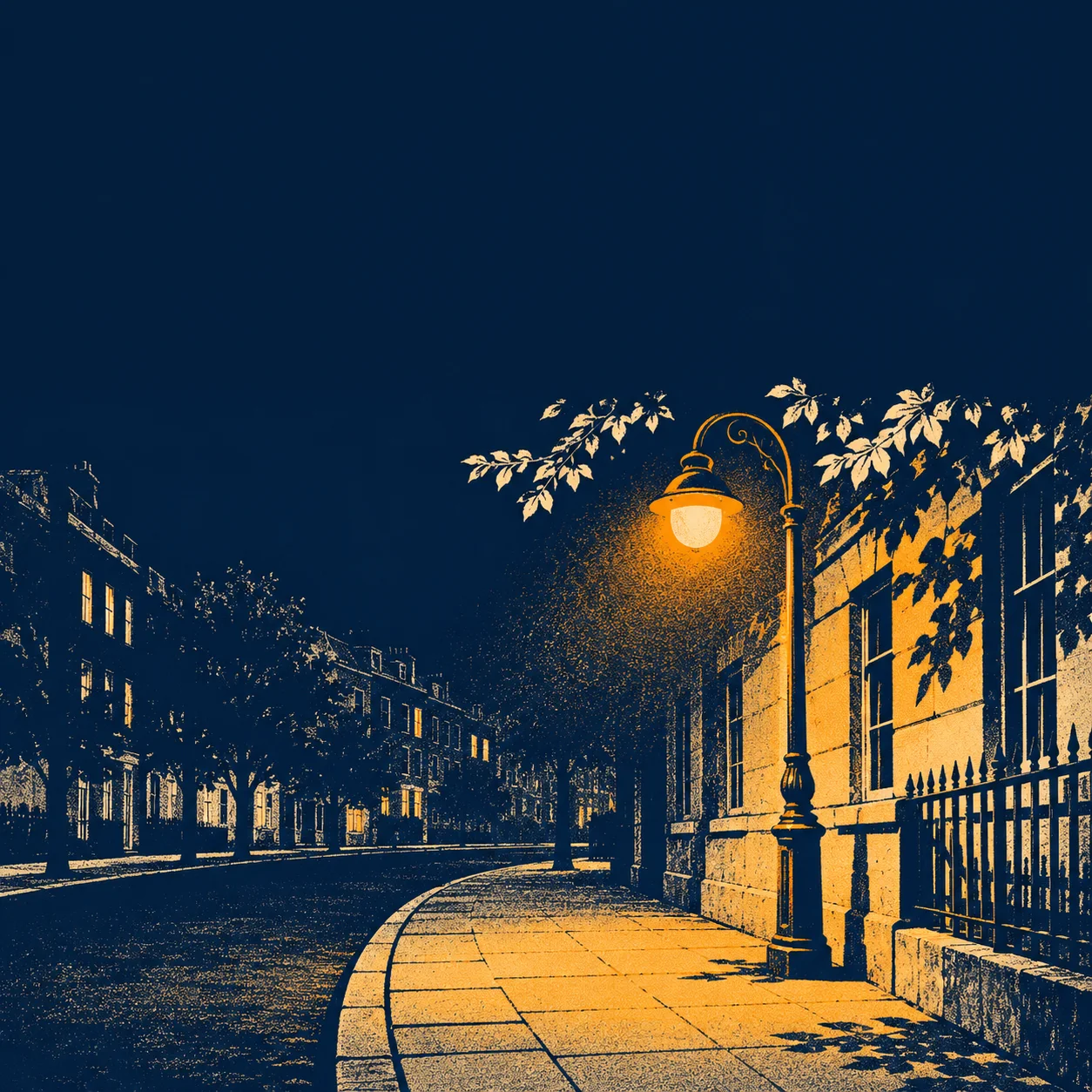
A podcast cover needs to identify the show in a small square. Start with one visual motif and the exact show name, then check that both survive when the artwork is reduced. Use Canva Craft to explore the illustration, and keep the final title editable so you can control its spelling, size, and spacing.
For a fictional city-walking podcast called “Night Walks,” an amber streetlamp and a curve of pavement can carry the atmosphere. The CanvaCraft image generator can be the starting point for that concept. Canva’s Craft documentation describes how the model plans a composition before rendering it. Tell it where the illustration belongs and where the title needs space.
Pick one motif that belongs to the show
Write a brief sentence describing what a listener will hear. “Night Walks follows quiet evening routes through a city” gives the cover a concrete subject. A streetlamp is a useful candidate because its shape can remain recognizable when small. A detailed panorama asks the listener to inspect many buildings before finding the show’s identity.
Original concept illustration for the fictional show.
Try a square composition with a quiet upper section:
Square editorial illustration for a podcast about evening city walks. Use midnight blue, warm cream, and one amber streetlamp. Place the lamp and curved pavement in the lower half. Reserve the upper third as a simple dark area for the show name. Use bold screenprint shapes and restrained texture. Omit lettering and logos.
Inspect the artwork before adding type. If the light fills the title area, revise the position or size of the lamp. Keep the visual decisions you already like, such as the palette, while correcting the space problem. The prompt guide explains how to describe subjects and their positions.
Give the show name enough room
Place the selected artwork in a square document and add the exact show name as editable text. For “Night Walks,” two short lines can fill the reserved area without covering the lamp. Try a typeface whose letters stay distinct at the size you expect people to browse.
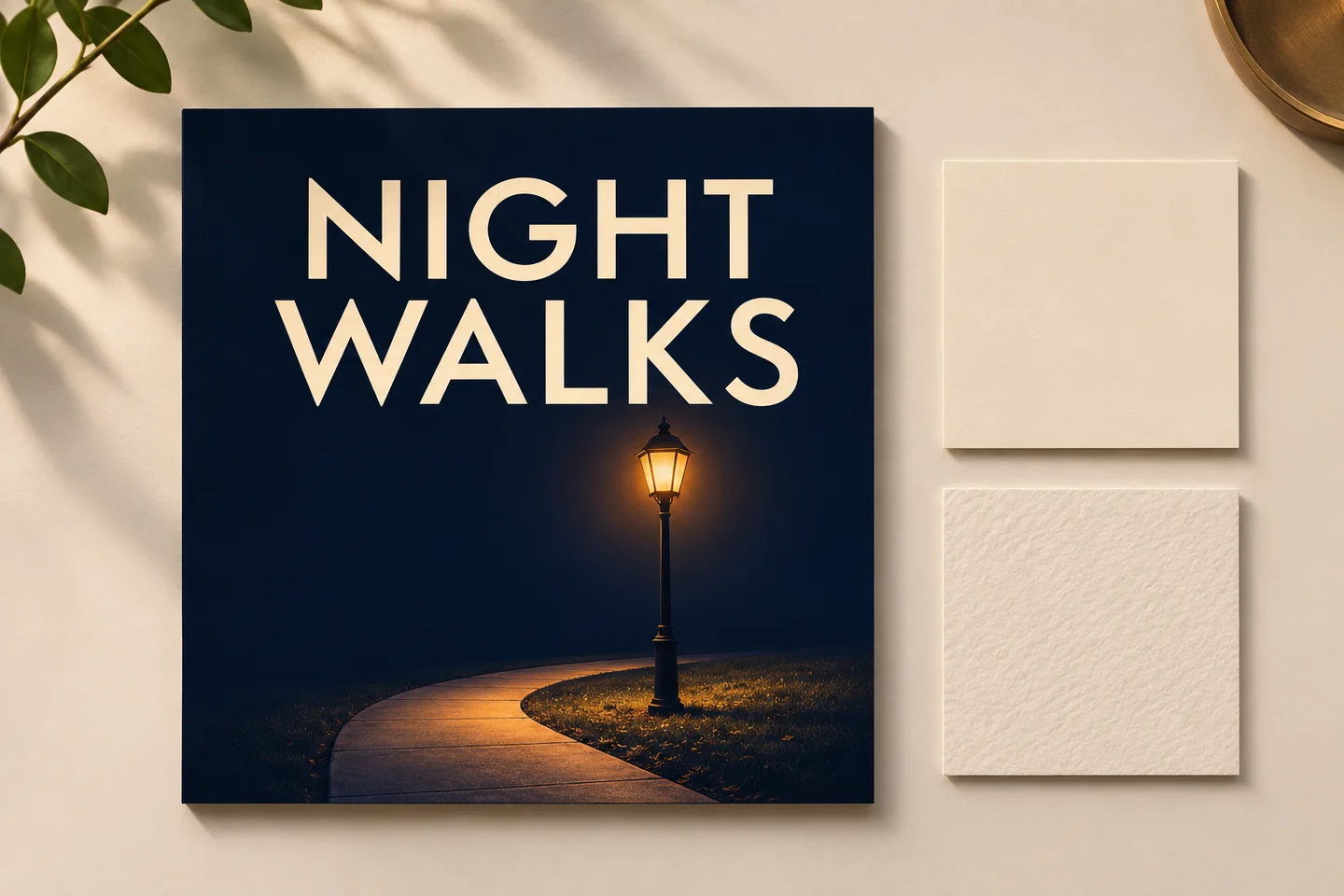
Editorial illustration of the title and artwork together.
Check the name against your approved spelling and capitalization. Decide whether an extra host name or tagline adds information the listener needs on the cover. Every additional line leaves less room for the title. If you do use another line, compare it with a simpler version at the same size. The typography case study covers keeping final lettering adjustable.
Review the square as a listening-directory preview
Export a proof and reduce it to the size of the cover tiles where listeners will browse. Look at it beside several other covers, then check the full-size file for edge artifacts and stray marks. The title should be readable, the lamp should still be identifiable, and the outer edge should have enough clearance to handle the actual display treatment.
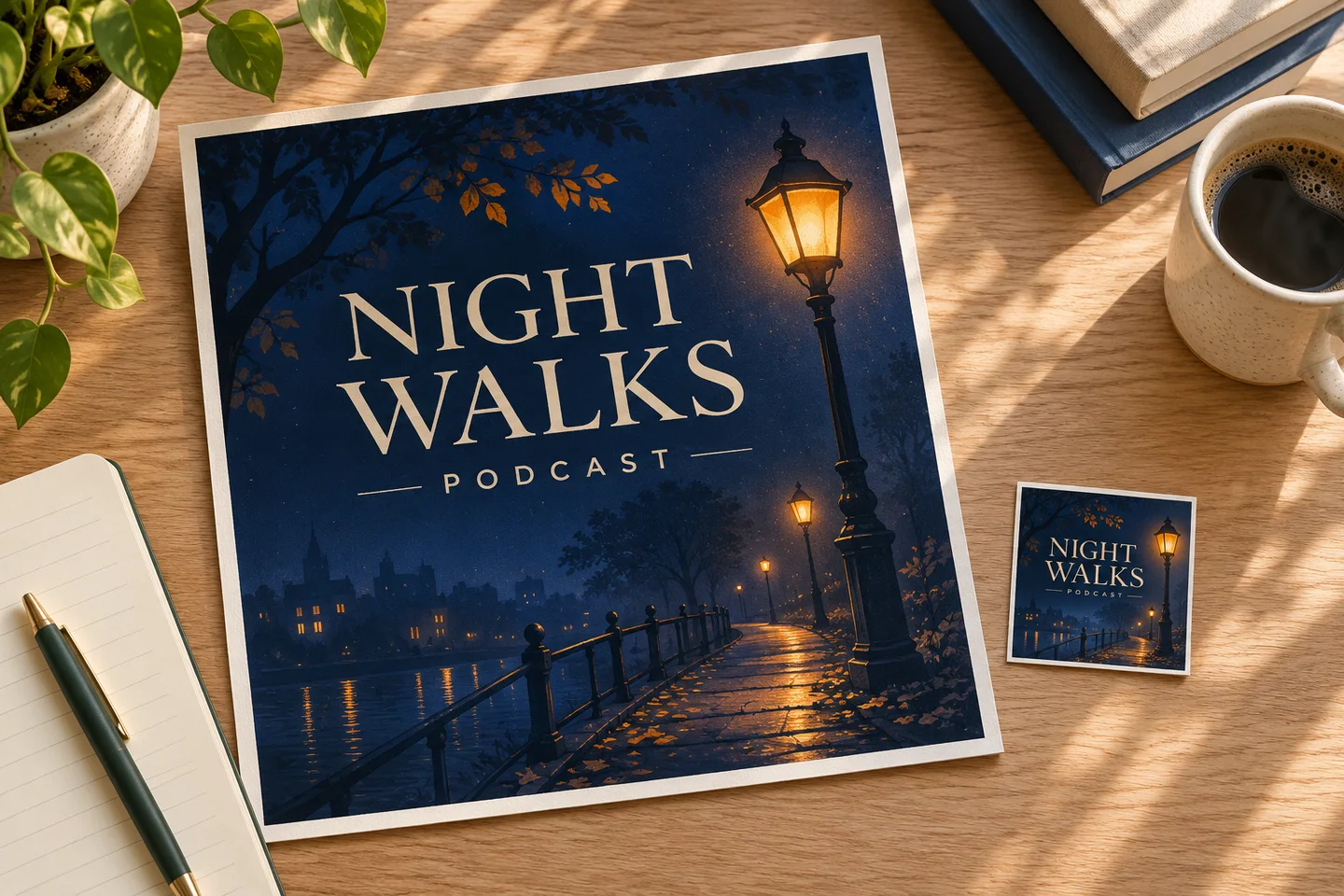
Concept illustration of comparing the same cover at two sizes.
If the words disappear first, enlarge the title or simplify its surrounding texture. If the lamp turns into a bright blob, reduce the glow and strengthen its silhouette. Make one change and compare the exports at equal sizes.
Before upload, check the current artwork requirements in your podcast host and destination directory, including dimensions, format, and file-size limits. Use the aspect ratio and resolution guide to evaluate the raster artwork at the required dimensions. Save the editable cover and the final upload file together so a future title update can be made without recreating the illustration.
Put your next idea into practice.
Start with a written brief in the image workspace.